You know what’s still harder than it should be in 2026? Building a website for your small business.
You’d think by now someone would have made this completely painless. And honestly? Some companies have come close. But most of them still leave you wrestling with hosting plans, plugin conflicts, and templates that look nothing like the demo.
Here’s the thing: if you’re running a small business, you don’t have weeks to learn a new platform. You don’t have thousands of dollars to drop on a developer. And you definitely don’t have the patience to figure out why your contact form keeps breaking.
The right website builder changes that entirely.
This guide breaks down the best website builders for small businesses in 2026. We’ve tested them. We’ve built real sites with them. And yeah, we’ve got strong opinions about which ones are worth your money and which ones will just leave you frustrated.
What Makes a Website Builder Different for Small Business?
Think about the old way of doing things for a second.
You buy hosting. You install WordPress. You pick a theme. Then you spend three hours watching YouTube tutorials because the theme’s documentation is terrible. Then you need plugins for SEO, for security, for backups. Before you know it, you’ve got fifteen plugins and your site loads slower than molasses.
A good small business website builder flips that script.
They handle the hosting. They handle the SSL certificate. They give you templates that actually look professional. You drag, you drop, you publish. No late nights. No screaming at your computer.
The best ones go even further in 2026. They use AI to ask you a few questions about your business and generate a complete site in minutes. Not a skeleton. A real, publishable website with your branding, your content, and your images.
You’re not starting from scratch. You’re starting from 80% done.
How We Tested These Website Builders
We didn’t just read marketing pages and call it research.
We built real small business websites with each platform. Service-based businesses. Online stores. Portfolio sites. We tested them on different devices, pushed their editors to see where they broke, and looked at what happened when we needed help from customer support.
Here’s what mattered most:
- How easy is it to actually launch? Can a busy business owner get a site up in under two hours?
- Does it look professional? Or does it scream “I built this myself in 2014”?
- What’s the real cost? Not the promotional price. The renewal price after a year.
- Can it grow with you? What happens when you need to add a store, or a booking system, or more pages?
- What happens when something goes wrong? Is support helpful or hopeless?
The 5 Best Website Builders for Small Business in 2026
1. Hostinger AI Website Builder – The Smart Choice for Budget-Conscious Business Owners
Hostinger sits at the top for a reason.
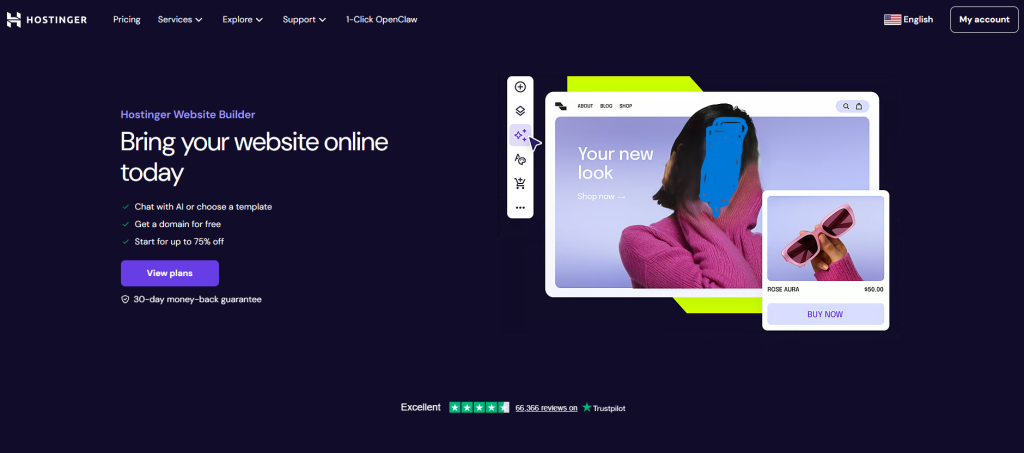
Their AI builder asks you a few questions about your business—your industry, your style, your brand—and generates a complete website in a few minutes. Layout, images, placeholder text, the works. Then you pop into the drag-and-drop editor, swap in your real content, and hit publish.
Here’s what makes Hostinger different: they bundle everything. Hosting, SSL, domain support, email, and the builder. One login. One bill. No “oh wait, I need to buy hosting separately” surprises.
ZDNet’s latest testing found Hostinger delivered the fastest loading speeds among budget builders, and their AI actually helps you make smart decisions as you build.
Best for: Small business owners who want professional results on a tight budget without juggling multiple accounts.
Standout features:
- AI site generator that creates a complete site from a few prompts
- Drag-and-drop editor that doesn’t feel clunky
- Built-in hosting and SSL (no separate purchase needed)
- 0% transaction fees if you sell products
- Surprisingly fast loading times for the price
Pricing: Starts around $2.99 per month for long-term plans. Renewal pricing jumps to about $11 per month, which is still cheaper than most alternatives.
The catch: Advanced customization is limited compared to platforms like Webflow. If you need highly specific design features, you might hit a ceiling.
2. Squarespace – Best for Businesses That Need to Look Great
Let’s be honest about something.
Your website’s design matters. If you’re a boutique, a design studio, a coffee shop, or any business where visual appeal drives sales, your site needs to look polished.
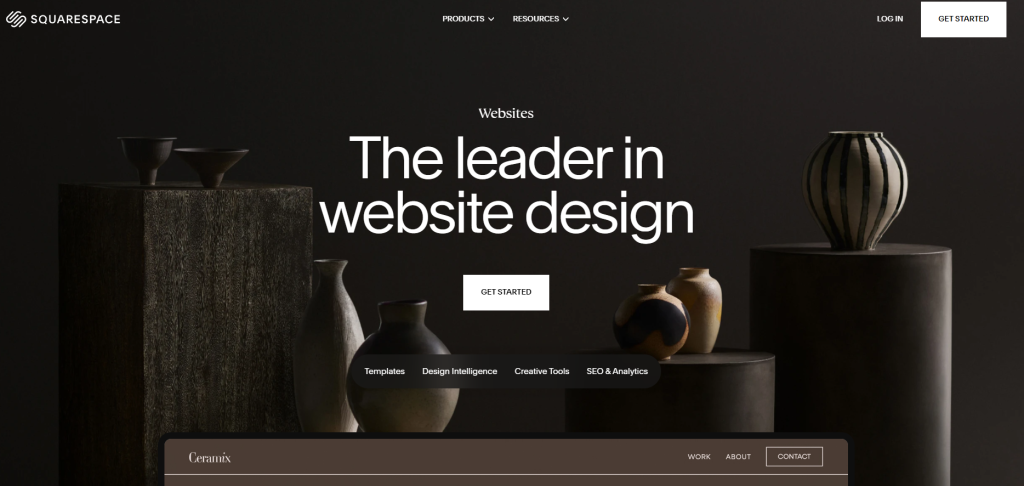
Squarespace has always understood this. Their templates are genuinely beautiful. Not “fine for a template” beautiful. Actually, “people will ask who designed your site” beautiful. They’re modern, elegant, and dynamic. At the end of the day, they’re just more stylish than what the competition serves up.
You pick a template, swap in your logo and images, tweak the colors, and publish. Hosting, SSL, and your first year’s domain are all included.
In 2026, Squarespace raised prices and restructured their plans. The Core plan at $23 per month is actually decent value now, and it eliminates transaction fees for online sales. Built-in analytics, SEO tools, scheduling, and membership features come at no extra cost.
Best for: Creative businesses, boutiques, and service providers where professional branding is non-negotiable.
Standout features:
- 150+ designer-crafted templates that actually look high-end
- All-in-one platform (hosting, domain, SSL, builder)
- Built-in email marketing and scheduling tools
- No transaction fees on Core plan and above
- Professional branding tools that actually work
Pricing: Basic plan from $16/month (billed annually). Core plan around $23/month for growing businesses. Annual billing is cheaper than monthly.
The catch: Once you pick a template and build, switching to a different template later is a pain. You’ll be doing a lot of rework.
3. Shopify – Best for Small Businesses That Are Really Online Stores
Here’s a hard truth.
Most website builders claim they do e-commerce. But “doing e-commerce” and being good at e-commerce are two very different things.
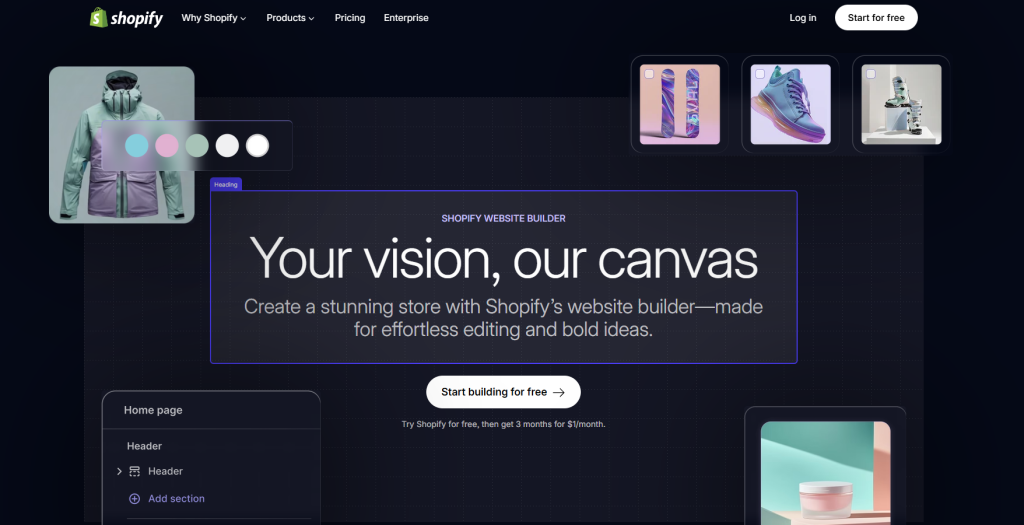
Shopify isn’t a website builder that happens to sell products. It’s an e-commerce platform that also builds websites. That distinction matters when you’re managing inventory, processing payments, shipping orders, and trying to scale.
Shopify powers over 4.6 million live stores in 175 countries. Their checkout converts about 15% better than other platforms on average. That’s not marketing fluff. That’s real money in your pocket.
The app marketplace has over 8,000 extensions. Need email marketing? There’s an app. Need reviews? There’s an app. Need something random like custom gift wrapping? There’s probably an app for that too.
Best for: Product-based businesses and dropshippers who plan to grow. Overkill if you’re just selling a single PDF or running a service business.
Standout features:
- Unlimited products on every plan
- Built-in inventory management and order tracking
- Shop Pay checkout (industry-leading conversion rates)
- 8,000+ apps in the marketplace
- Multi-channel selling (social media, marketplaces, in-person)
Pricing: Starts at $29/month (billed annually) for the Basic plan. Monthly billing costs more. Budget an extra $20–$100 per month for essential apps depending on your store setup.
The catch: The base price is fine, but costs add up fast. Apps, premium themes, and transaction fees (if you don’t use Shopify Payments) will increase your monthly bill significantly.
4. Webflow – Best for Design-Obsessed Small Businesses
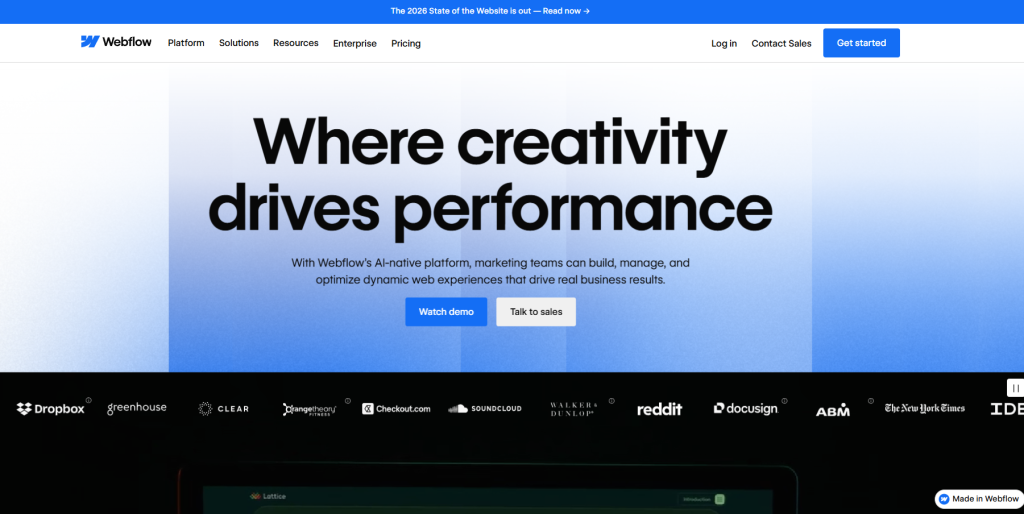
Some business owners don’t want to settle for “good enough.”
They want exactly what’s in their head. No compromises. No “well, this template doesn’t quite do that.” Webflow exists for those people.
Webflow gives you CSS-level control through a visual interface. You can build complex layouts, custom animations, and responsive designs without writing code. And the code it generates? Clean, semantic, and something a real developer wouldn’t be embarrassed to work with.
ZDNet ranks Webflow as the best website builder for small businesses overall, noting that it “delivers professional-grade customization without forcing you to write code.”
But here’s the reality check. Webflow has a learning curve. The company estimates 20 to 40 hours to become proficient. You’ll need to understand concepts like flexbox, grid, and responsive breakpoints. It’s not something you’ll master over a weekend.
Also, their pricing got more complicated in 2025. You pay for site plans and workspace plans separately. A freelancer managing 10 client CMS sites now pays roughly $290 per month before workspace costs. Do the math before you commit.
Best for: Design-focused businesses willing to invest serious learning time for complete creative freedom.
Standout features:
- Visual design control (flexbox, grid, custom properties, animations)
- Clean HTML/CSS code output (developers will thank you)
- Powerful CMS for complex content structures
- Built-in AI features for site generation and SEO audits
- No transaction fees on e-commerce plans
Pricing: Basic site plan at $18/month. CMS plan at $29/month. E-commerce Standard at $42/month for up to 500 products. Plus workspace fees starting at $19/seat/month.
The catch: The learning curve is steep, and the pricing structure is genuinely confusing. You’ll spend time figuring out what you actually need to pay for.
5. Durable – Best for Getting a Site Up Before Lunch
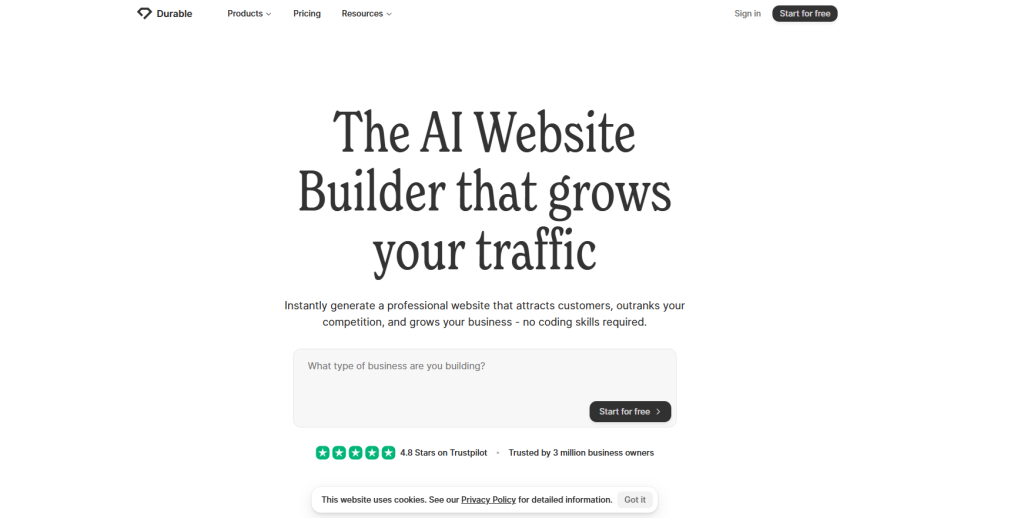
Sometimes you just need a website. Not a project. Not a journey of self-discovery. A website.
Durable holds the speed record for a reason. Describe your business type and location, and Durable generates a full, published, live site in under 30 seconds. Not a wireframe. A real site with stock imagery, copy, a contact form, and a subdomain.
The AI tailors content to your industry. A plumber in Dallas gets different copy, images, and page structure than a yoga studio in Portland. That’s not magic. It’s just smart design.
Beyond the site itself, Durable includes CRM, invoicing, and AI marketing tools. If you’re a sole proprietor wearing every hat, those extras are genuinely useful.
Best for: Local service businesses, freelancers, and anyone who needs a functional website up in under an hour with zero technical effort.
Standout features:
- 30-second site generation (fastest in testing)
- Industry-tailored content that actually fits
- Built-in CRM and invoicing tools
- AI social post and ad generators
- Custom domain and unlimited pages on Starter plan
Pricing: Starter plan at $12/month (billed annually). Business plan at $20-25/month for team features and advanced tools. Free tier lets you test but won’t let you publish live with a custom domain.
The catch: If you don’t spend time customizing the AI’s output, your site risks looking generic. And if your business outgrows simple needs, you’ll have to migrate to a more powerful platform.
Quick Comparison
| Builder | Starting Price | Best For | Watch Out For |
|---|---|---|---|
| Hostinger | ~$2.99/month (promo) | Budget businesses wanting good performance | Renewal price jumps |
| Squarespace | ~$16/month (annual) | Design-focused, visual brands | Template switching is painful |
| Shopify | ~$29/month (annual) | Serious online stores | App costs add up fast |
| Webflow | ~$18/month | Design freedom and custom layouts | Steep learning curve, complex pricing |
| Durable | ~$12/month (annual) | Fast, no-fuss local business sites | Can feel generic without customization |
The Final Recommendation
If you’re on a tight budget and need a full site fast: Go with Hostinger. The promotional pricing is almost silly, and performance testing shows it holds up surprisingly well for the price.
If your brand lives or dies on visual appeal: Choose Squarespace. The templates are genuinely best-in-class, and the all-in-one tools (email marketing, scheduling, analytics) come bundled without extra fees.
If you’re selling products and expect to grow: Pick Shopify. The checkout conversion advantage alone pays for the subscription. Just budget for apps on top of the base cost.
If you’re a control freak who needs everything exactly right: Go with Webflow. No other builder gives you this much design freedom without code. But be honest about the learning time and the layered pricing.
If you need a site up before your next meeting: Try Durable. The 30-second generation isn’t a gimmick. It works. For local service businesses, it’s a genuine lifesaver.
There’s no perfect one-size-fits-all answer. But by being honest about your priorities budget, design, e-commerce depth, or speed. you’ll pick the builder that actually works for your small business.
And that’s the whole point.